Turn any full-color 3D model into a full-color print.

The only all-in-one tool: clean up the mesh, size it, and bake the colors into layers for the spools you already own. Free, in your browser.

💸 100% free🔒 Nothing uploaded — runs on your computer🧵 Uses every spool you load🖨️ Built & tested on Bambu H3C · 8 colors
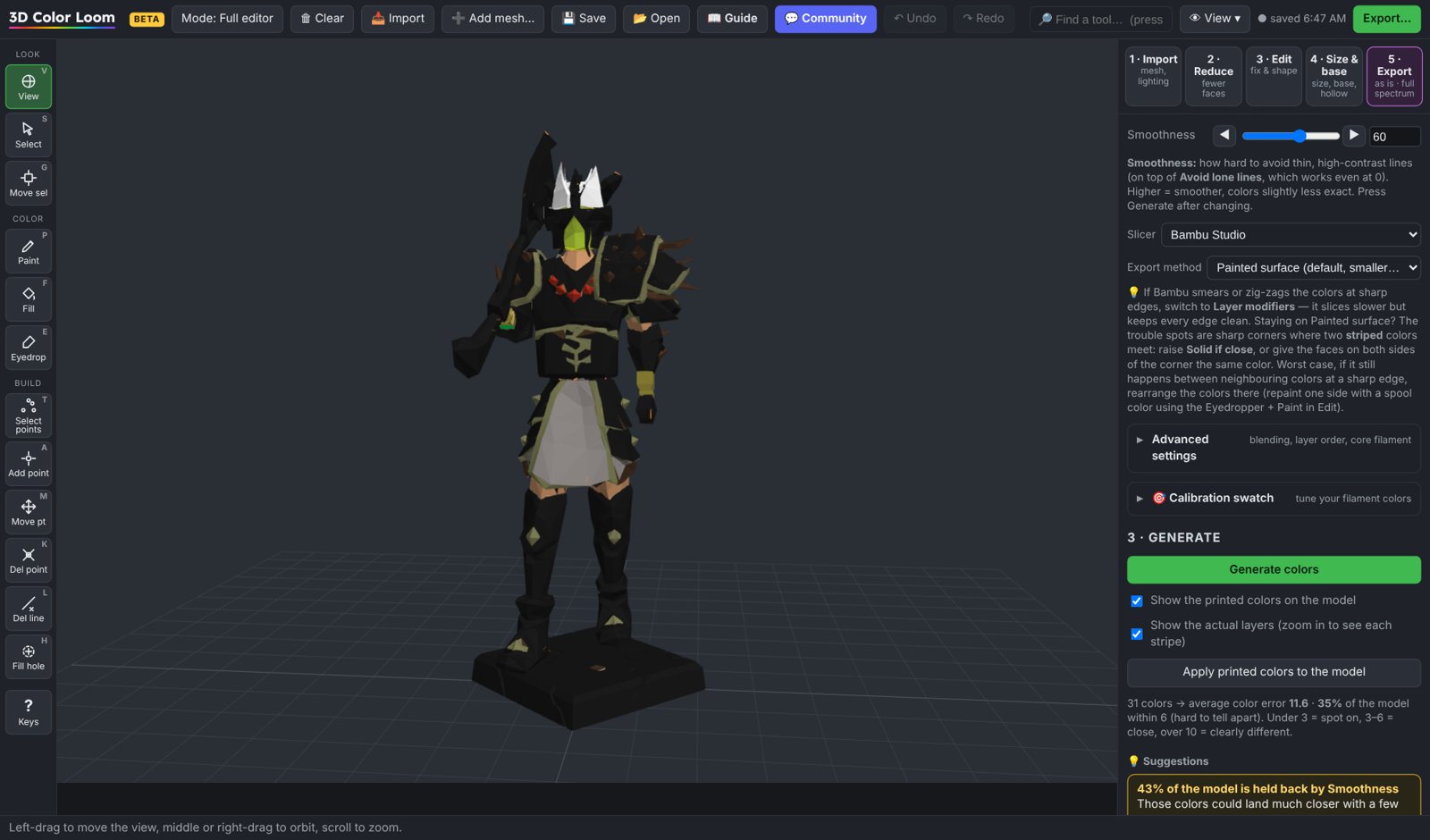
3D Color Loom with a full-color figure ready to export
Real print · H3C timelapse ▶
Why & how I made this

I built it for my own prints. Then I decided to give it away.

Why

I print full-color figures on my Bambu H3C. Getting AI and game models from a file to a good print meant juggling mesh-repair programs, fighting the slicer, and hand-mixing colors. Even then, half the shades came out wrong or striped.

So I made the tool I wanted: one place to fix the model, size it, and bake the colors for the spools I actually have loaded. It turned out good enough that it felt wrong to keep it to myself, so it's free for everyone.

How

Straight up: I coded it with Claude. I'm not a programmer, but I build a lot of my own tools this way. I decided what it should do, and I test everything on my own printer before I trust it.

For weeks I've been printing calibration swatches, comparing the results against Bambu's own color mixing, fixing what didn't hold up, and printing my own figures with it. I know people are sick of untested AI junk. This isn't that: I print with it every week.

If it helps you get better full-color prints, that's a win. If something's broken, tell me in the Discord and I'll fix it. — Matt

How it works

From messy model to print-ready, in one place.

Other tools only do the color part. 3D Color Loom handles the whole job, so AI and game models don't need three other programs first.

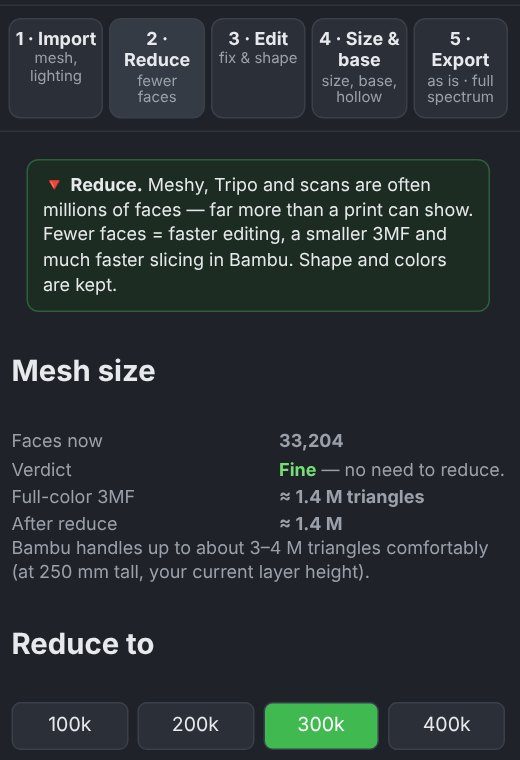
1 · Import & reduce

Drop in a GLB, OBJ or STL. Huge AI meshes get slimmed down so your slicer doesn't choke.

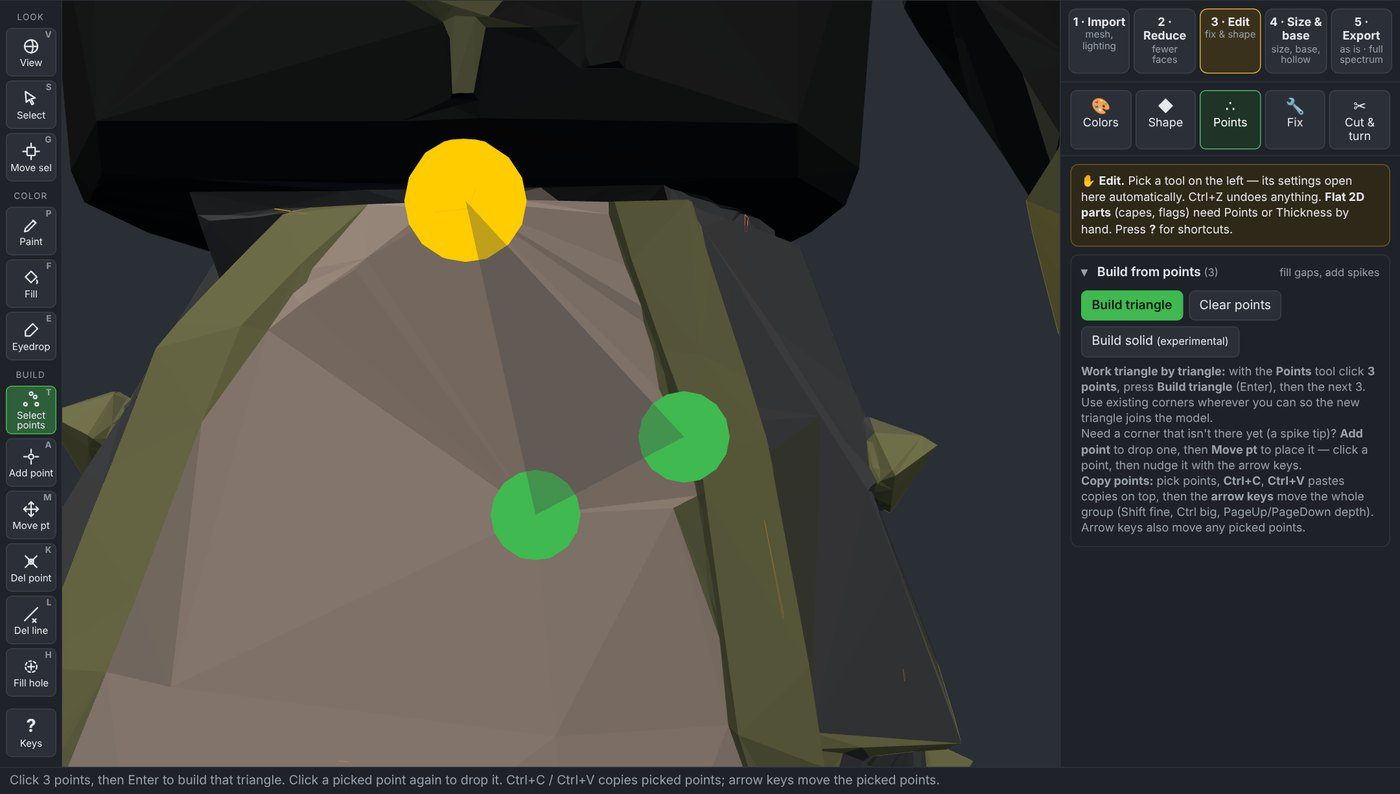
2 · Fix

Fill holes, delete stray lines and floating bits, thicken thin parts, or build triangles by hand.

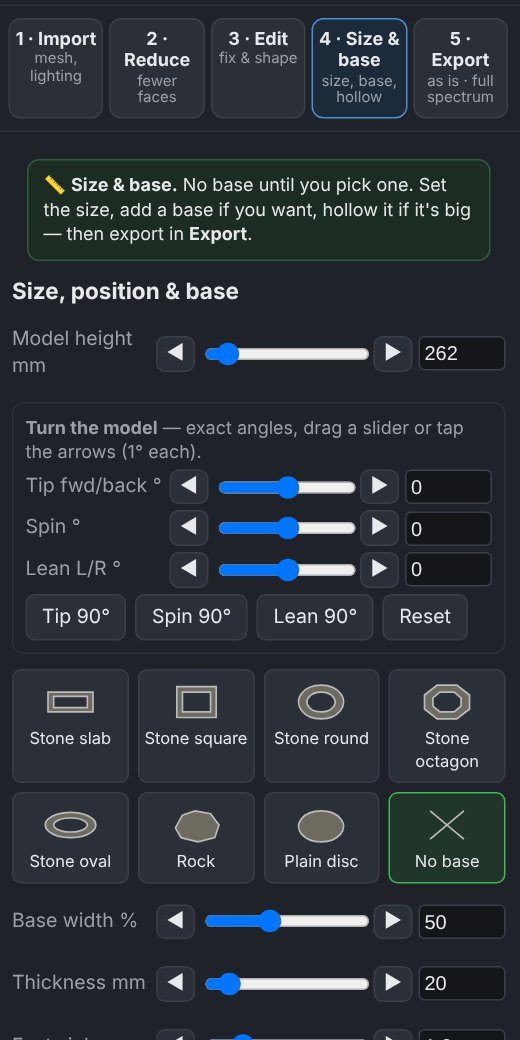
3 · Size & base

Set the height in mm and add a base so the figure stands on its own.

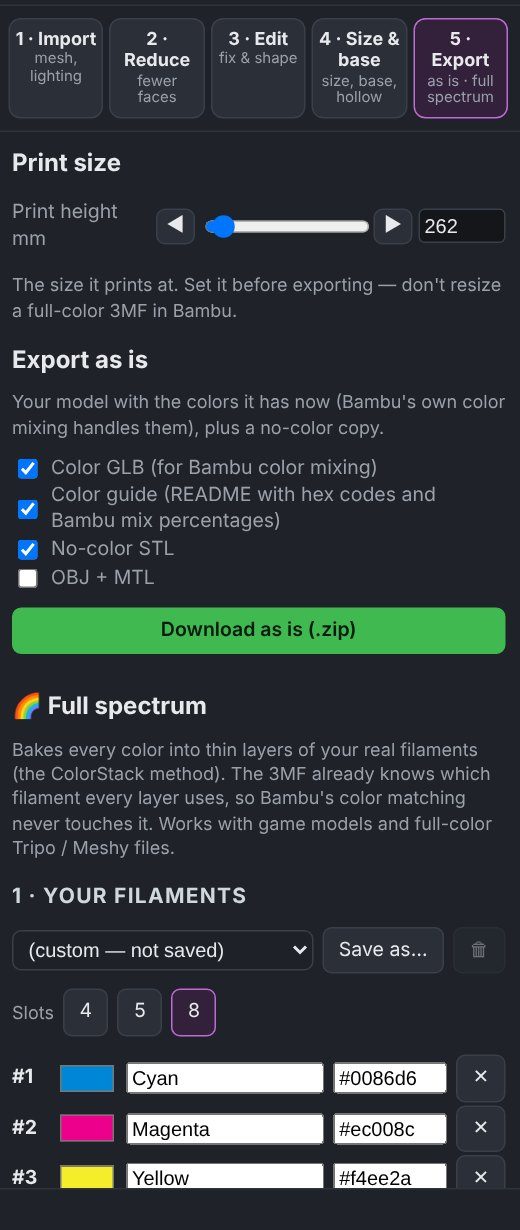
4 · Bake & export

Enter your spools. It works out the layer mix for every color, previews it, and exports a 3MF.

Real prints

Made with 3D Color Loom.

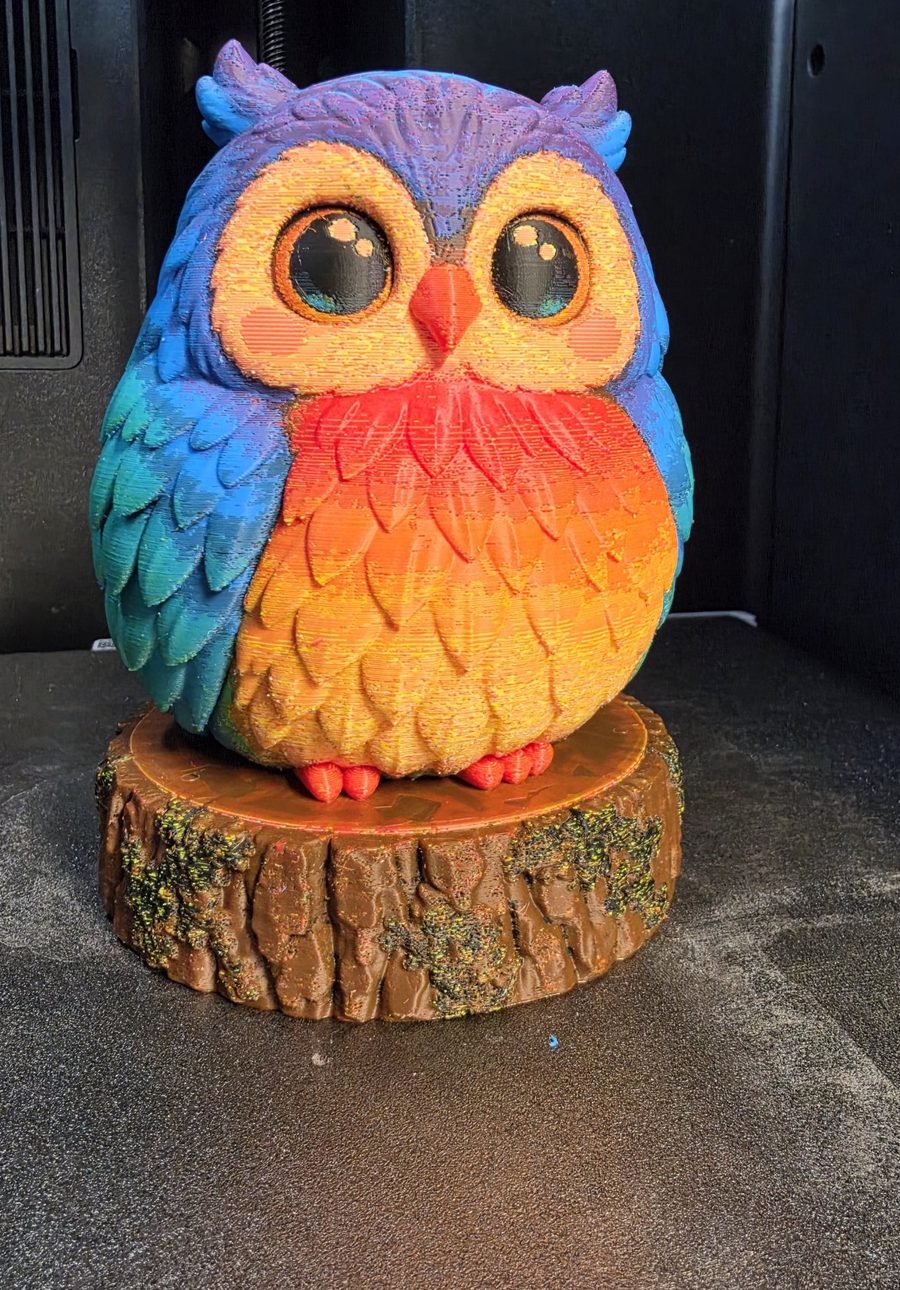
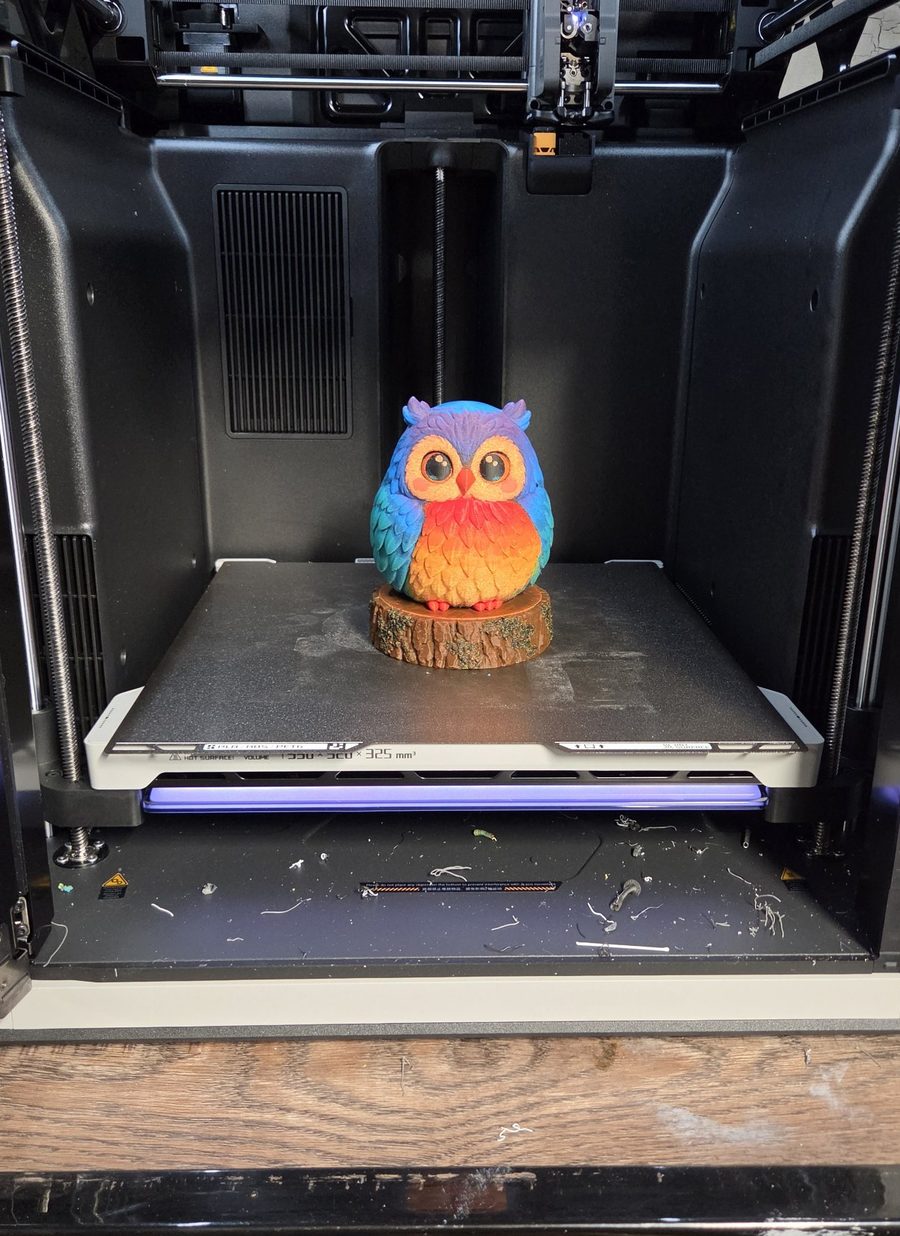
An AI-generated owl from Meshy, prepped in 3D Color Loom and printed on my H3C with 8 spools. No painting, no hand-mixed colors.

Full-color printed owl figure on a log base
The printed owl sitting in the Bambu H3C

Printed something? Post it in the Discord and it could end up here.

Side by side

Automatic vs. by hand.

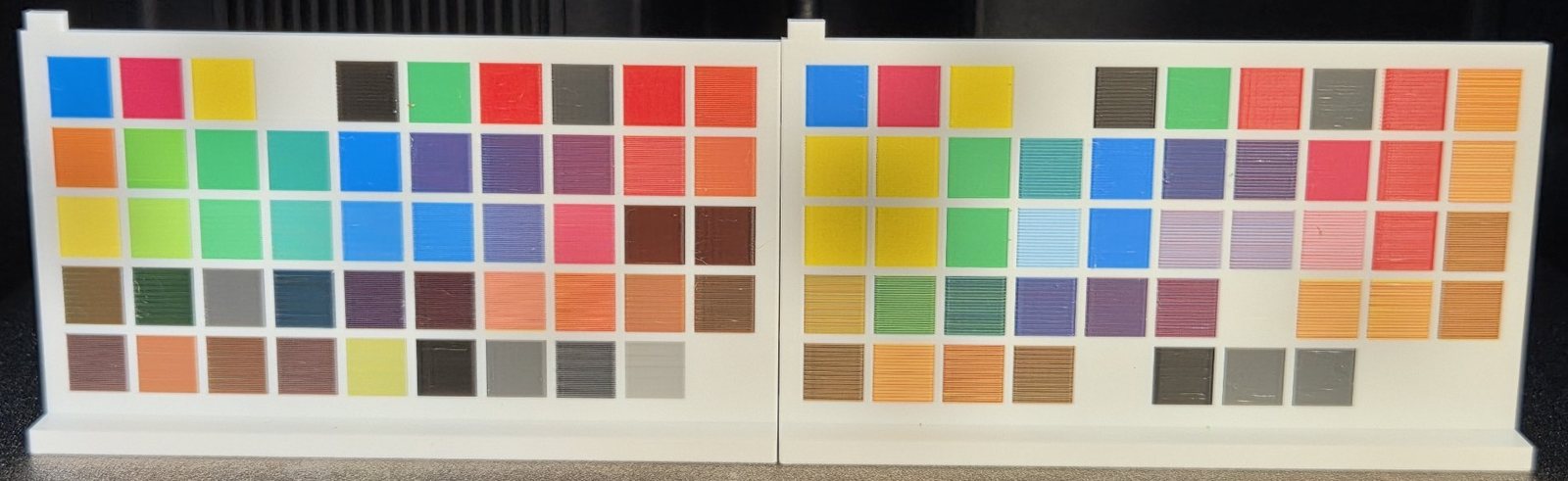
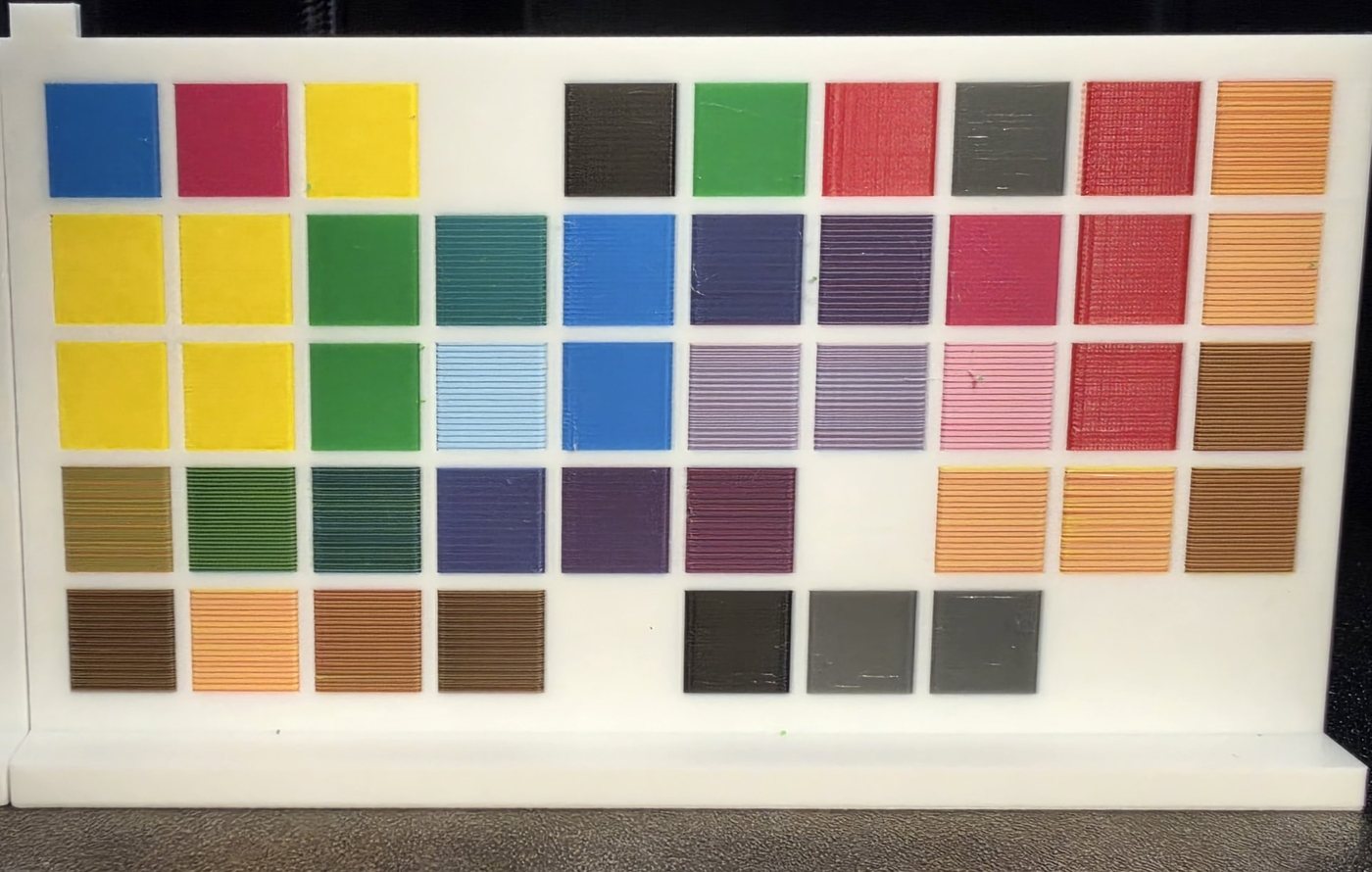
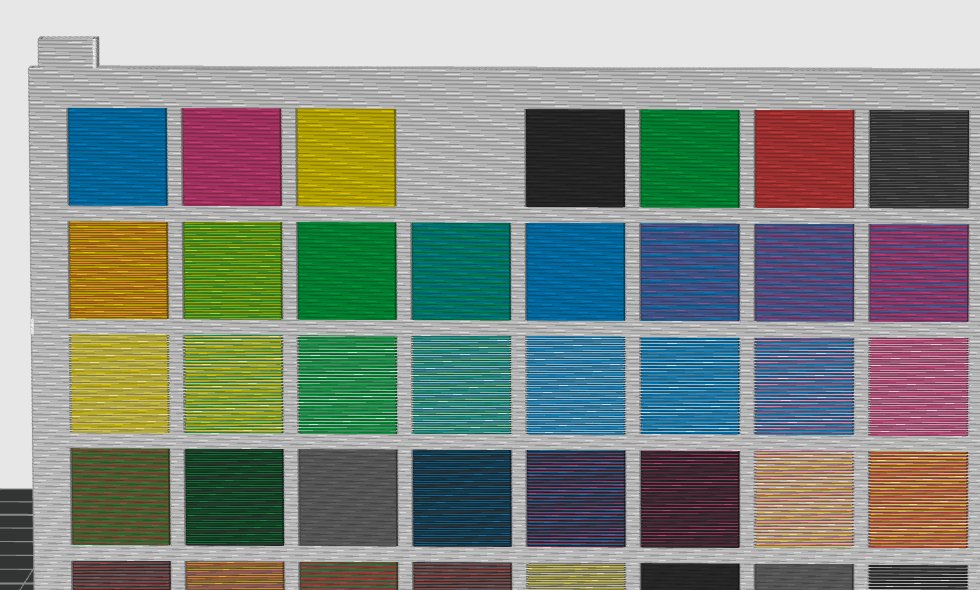
Same 50-color swatch, same 8 spools, zero manual setup on either side. 3D Color Loom works out the mix for every color from every spool you load. In Bambu Studio you get its automatic color matching — anything better means building the mixes yourself, one color at a time.

Real print · left: 3D Color Loomright: Bambu Studio
Both printed swatches side by side on the H3C bed
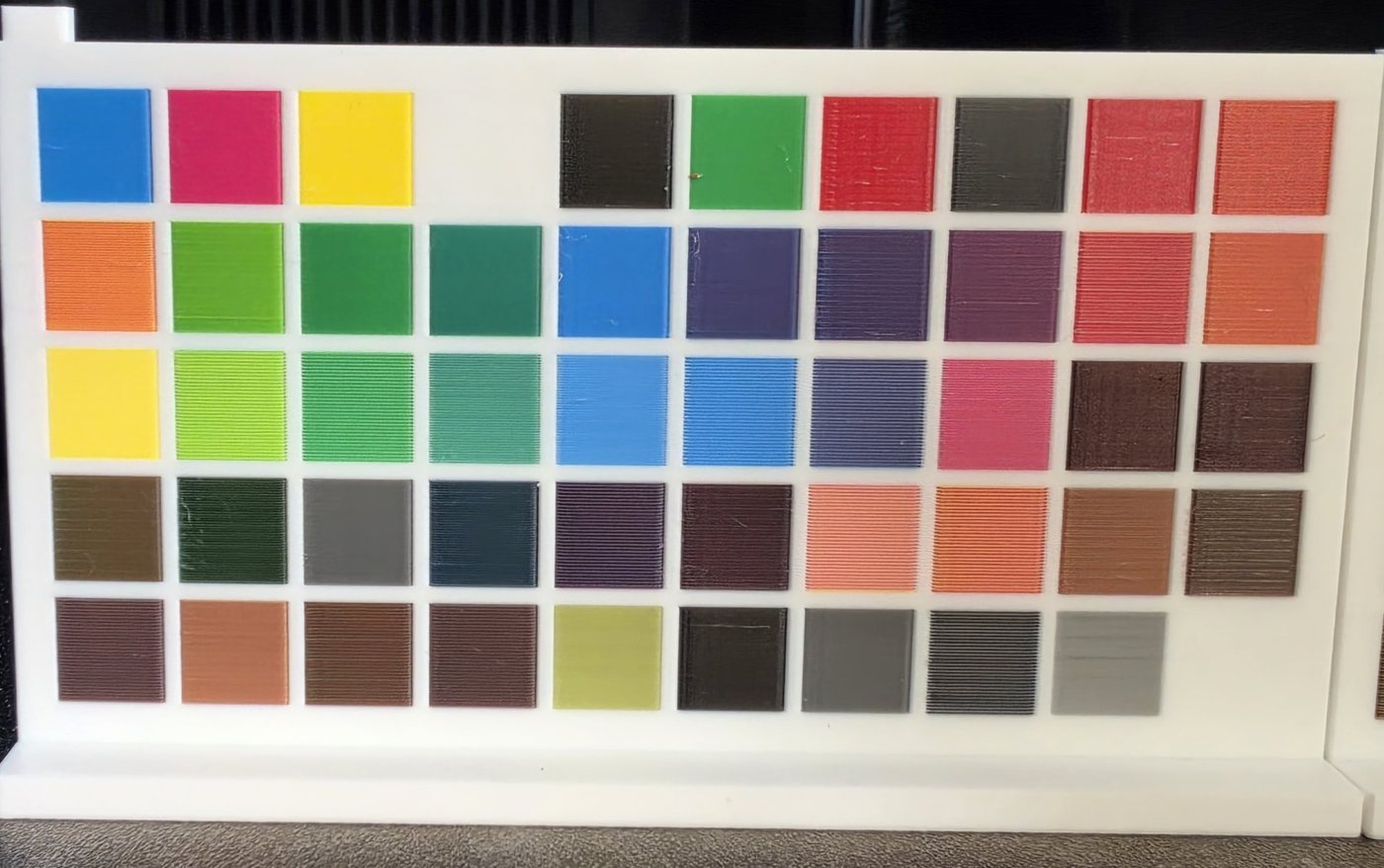
3D Color Loom · printed
3D Color Loom printed swatch close-up
Bambu Studio · printed
Bambu Studio printed swatch close-up

Printed on my H3C, same 8 spools, same settings. Look at the yellows and greens in rows 2–3, the pastels, and the greys along the bottom.

In the slicer

3D Color Loom
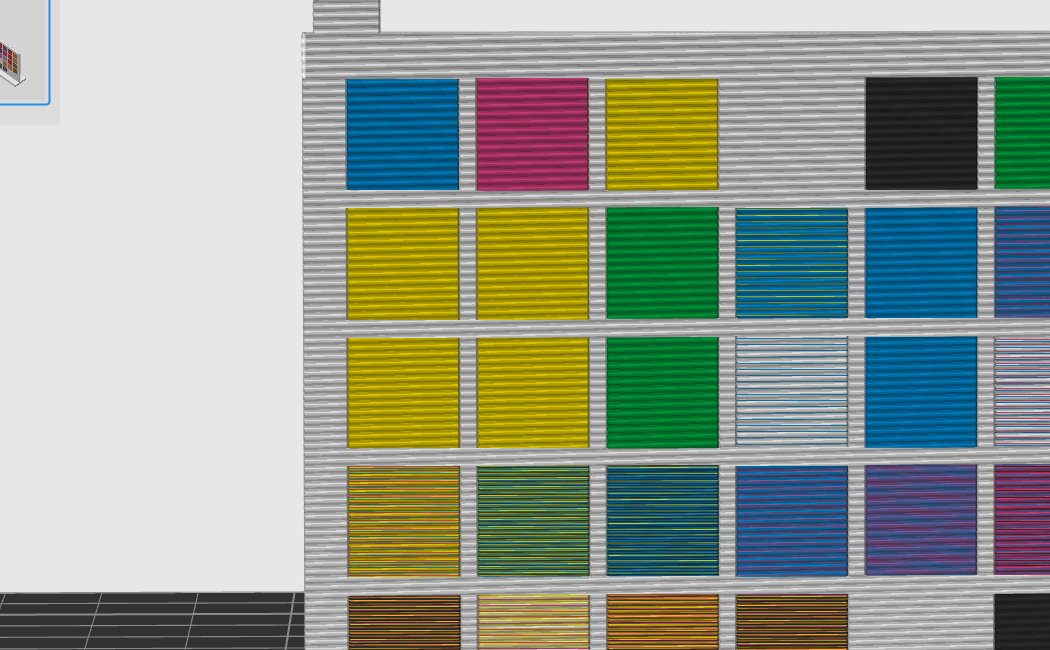
Swatch baked by 3D Color Loom
  • Every color mixed automatically — just load your spools and press Generate
  • Blends every spool you load: green, red and grey join the mixes wherever they get closer
  • No color limit — every part of the model gets its own mix
  • All 50 colors stay distinct; pastels stay soft, greys step evenly
Bambu Studio · no manual mixing
Same swatch imported into Bambu Studio
  • Extra spools only print as solid colors — blends stay C/M/Y/W/K
  • Capped at 32 colors, so similar shades merge
  • Anything better means building each mix by hand
  • Light tones drop to plain white, greys collapse
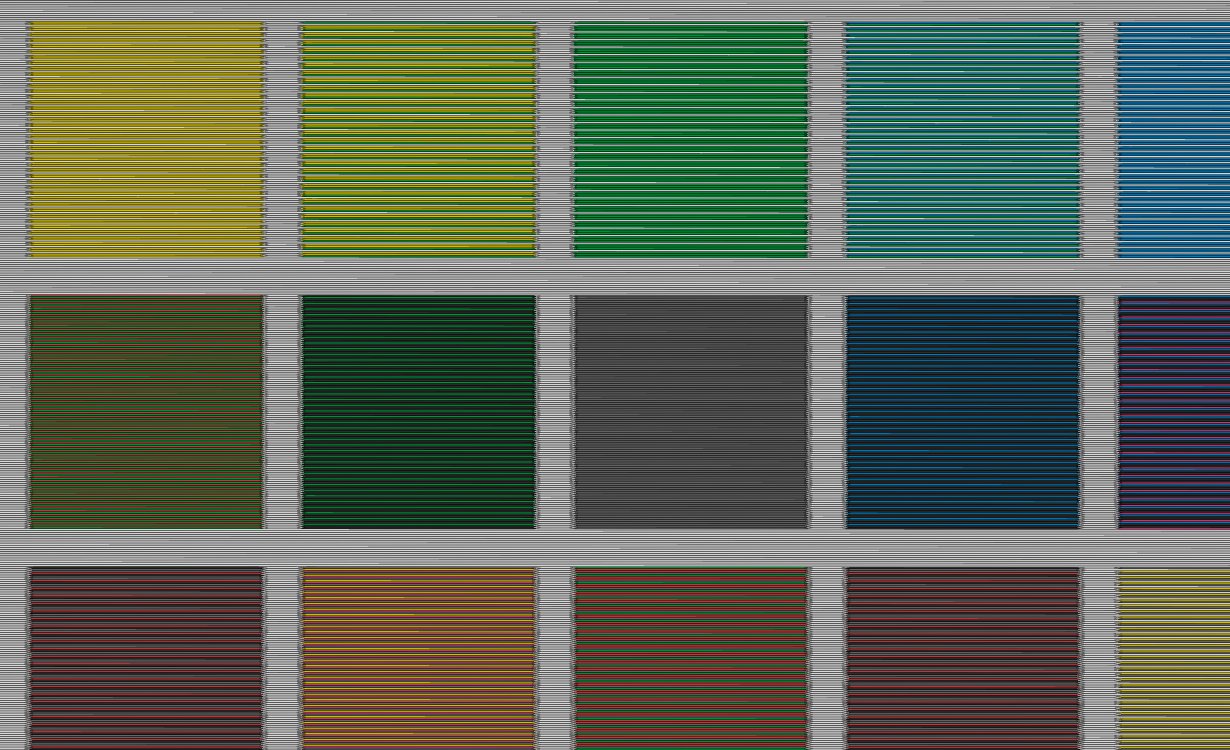
3D Color Loom · close-up
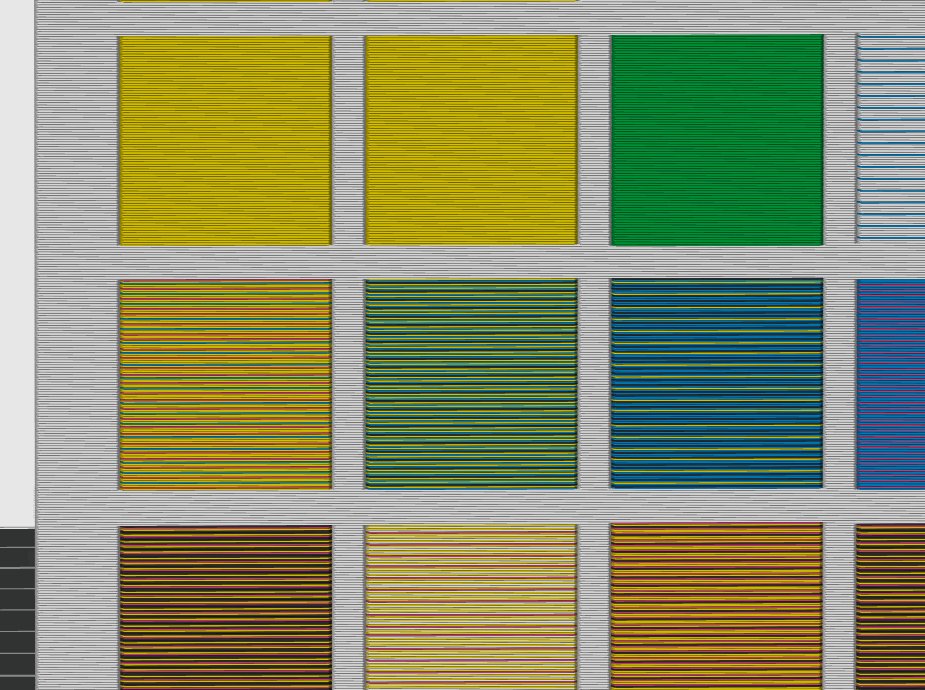
Bambu · close-up

Slicer previews in Bambu Studio. Left: 3D Color Loom export. Right: the same swatch as a plain-color OBJ, imported with Bambu's automatic color mapping and no hand-made mixes. Same layer height and filaments.

Why it's different

Built for real prints, not just previews.

Made by a maker who wanted a tool for his own full-color figure prints.

🧩

All in one

Reduce, repair, size, base and color in one free tool. No round trips through Blender or Meshmixer.

🧵

Every spool, unlimited colors

C/M/Y/W/K plus any extras, all blended together. No 32-color cap — every part of the model gets its own mix, with no manual setup.

〰️

Banding controls

Avoid lone lines, Solid if close, Even repeat and Smoothness keep stripes from showing.

🎯

Calibration swatch

Print one card, tune your filament colors, and the screen matches your spools.

👀

See the layers first

The preview shows the actual stripes that will print, before you waste filament.

🔒

Private & free

Runs in your browser. Your model never leaves your computer. No account, no ads.

Printers & slicers

Built on a Bambu Lab H3C with 8 colors.

That's the setup it was designed around and the only one it's been tested on. Exports for other slicers are experimental and untested — I only own Bambu printers. If you have another printer, please try it and tell us what works and what doesn't in the Discord, so it can be fixed.

✅ Bambu Studio · H3C, 8 colors tested🧪 OrcaSlicer experimental🧪 Snapmaker Orca (U1) experimental🧪 PrusaSlicer (MMU3 · XL · INDX) experimental

Ready to print in full color?

Free, no sign-up. It's in beta and built on a Bambu H3C — if something breaks, or you try it on another printer, tell us in the Discord and it gets fixed.